Why Remote Work Cybersecurity Matters in 2026
| 71% of Pakistani companies faced network infiltration attempts in 2024 (Kaspersky). Remote workers are a primary attack vector globally. |
The way we work has fundamentally shifted. Remote work is no longer a temporary arrangement — it is the new normal for millions of professionals worldwide, including a rapidly growing freelance and remote workforce in Pakistan. But with this freedom comes a serious responsibility: protecting your digital environment.
Cybercriminals have adapted their tactics specifically to exploit the remote work model. At home or in a café, you leave behind the layers of corporate protection that office environments provide. That means the responsibility for work from home cybersecurity falls increasingly on the individual.
The major threats remote workers face in 2026 include: phishing attacks, ransomware, Man-in-the-Middle (MitM) interceptions, weak passwords, unsecured personal devices, and cloud data leaks. This guide covers a practical defence against each.
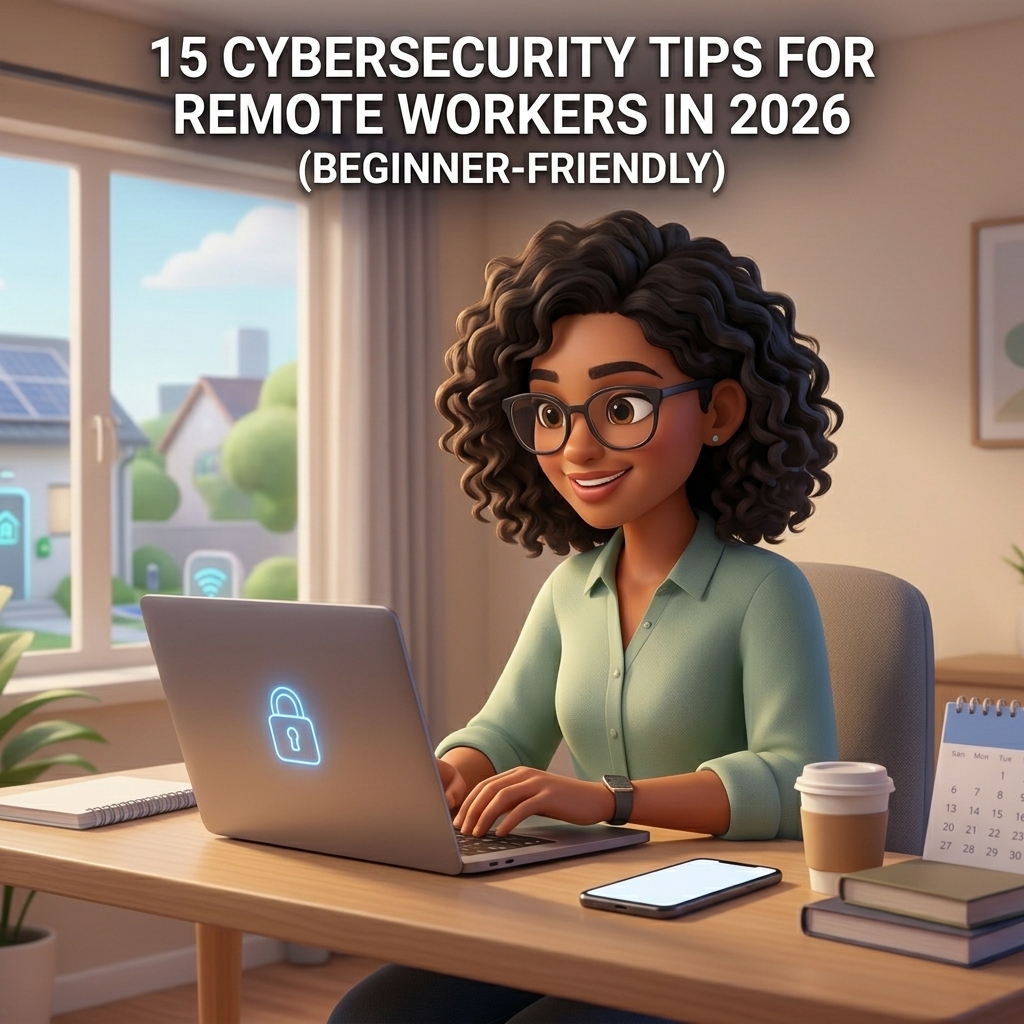
15 Cybersecurity Tips for Remote Workers
Tip 01 Use a Reliable VPN (Virtual Private Network)
A VPN for remote workers is one of the most effective first lines of defence. It encrypts your internet traffic and creates a secure tunnel between your device and the company network, making it significantly harder for attackers to intercept your data — especially on shared or public connections.
When choosing a VPN, look for reputable, no-log providers. If your employer provides one, always use it when accessing work systems. Ensure it is fully patched and up to date.
| ✅ Quick Action: Enable your VPN before opening any work application, every single session. |
Tip 02 Enable Multi-Factor Authentication (MFA) on All Accounts
Multi-factor authentication adds a critical second layer of verification beyond just your password. Even if a cybercriminal steals your credentials, they cannot log in without the second factor — typically a one-time code from an authenticator app like Google Authenticator, Authy, or Microsoft Authenticator.
Enable MFA on your email, cloud storage, company portals, and financial accounts. Authenticator apps are safer than SMS codes, which can be intercepted via SIM-swapping attacks.
| ✅ Quick Action: Audit your top 5 work accounts today and enable MFA on any that lack it. |
Tip 03 Secure Your Home Wi-Fi Network
Your home router is the gateway to all your devices. Securing your home network is a non-negotiable step in remote work cybersecurity. Change the default router password immediately — most default credentials are publicly known. Use WPA3 or WPA2 encryption, change your network name (SSID) to something that does not identify you personally, and keep your router firmware updated.
Consider setting up a separate guest network for smart home devices, which are typically less secure and can serve as entry points for attackers targeting your work devices.
| ✅ Quick Action: Log into your router settings (usually via 192.168.1.1) and update the password and firmware today. |
Tip 04 Use a Password Manager
Password reuse is one of the most common and dangerous habits among remote workers. A password manager generates and stores unique, complex passwords for every account — so you only have to remember one master password. Tools like Bitwarden, 1Password, and Dashlane are trusted options available globally, including in Pakistan.
| ✅ Quick Action: Sign up for a free password manager and migrate your top 10 work accounts this week. |
Tip 05 Keep All Software and Operating Systems Updated
One of the most exploited vulnerabilities in remote work environments is outdated software. Cybercriminals actively search for systems that have not applied the latest security patches. Enable automatic updates on your operating system, browsers, antivirus, and all work applications. Do not dismiss update notifications — treat them as urgent security maintenance.
| ✅ Quick Action: Check for pending updates on your work device right now and install them. |
Tip 06 Learn to Recognise Phishing Attacks
Phishing remains the most common cyber threat targeting remote workers globally. Attackers craft deceptive emails, fake login pages, and urgent messages designed to trick you into revealing credentials or clicking malicious links. Remote workers are particularly vulnerable because they lack the in-office IT safety net.
Be sceptical of unexpected emails asking you to verify account details or click links. Check sender email addresses carefully, hover over links before clicking, and when in doubt, contact the sender through a separate, verified channel. This is especially important for workers in Pakistan, where phishing campaigns increasingly mimic local banks and government services.
| ⚠ Warning: If an email creates urgency, threatens consequences, or asks for sensitive information — pause. This is a classic social engineering tactic. Verify before you act. |
Tip 07 Use Encrypted Communication Tools
Not all messaging and video conferencing tools are equally secure. For sensitive work conversations, use platforms that offer end-to-end encryption. Signal is widely regarded as the gold standard for encrypted messaging. For video meetings, ensure your platform is configured correctly — always use password-protected meeting links, enable waiting rooms, and avoid sharing meeting credentials publicly on social media.
| ✅ Quick Action: Review your video meeting settings and ensure waiting rooms are enabled for all future calls. |
Tip 08 Back Up Your Data Regularly
Data backup is your safety net against ransomware, hardware failure, and accidental deletion. Follow the 3-2-1 backup rule: keep 3 copies of your data, on 2 different types of media, with 1 stored offsite or in the cloud. Services like Microsoft OneDrive, Google Drive, and Backblaze provide reliable cloud backup options accessible from Pakistan and internationally.
| ✅ Quick Action: Schedule an automatic daily backup of your most critical work files to a cloud service. |
Tip 09 Lock Your Devices When Not in Use
Physical security is often overlooked in remote work security discussions. Always lock your screen when stepping away from your workstation — even at home. Set your device to auto-lock after 2–5 minutes of inactivity. Use strong PINs or biometric authentication on all laptops, tablets, and smartphones. Be especially mindful in cafés or co-working spaces where ‘shoulder surfing’ is a real threat.
| ✅ Quick Action: Set your screen to auto-lock in 3 minutes. On Windows: Settings → Personalisation → Lock Screen. |
Tip 10 Avoid Public Wi-Fi Without Protection
Public Wi-Fi at coffee shops, airports, and co-working spaces is a prime hunting ground for cybercriminals. Without protection, you are exposed to Man-in-the-Middle (MitM) attacks. Never access sensitive work systems, banking, or confidential files on public Wi-Fi without first activating your VPN. If you frequently work on the go, consider using a mobile hotspot instead — it is significantly more secure.
| ✅ Quick Action: Make ‘VPN on before Wi-Fi connection’ a non-negotiable rule when working outside your home. |
Tip 11 Install Reliable Endpoint Security Software
Endpoint security — including antivirus, anti-malware, and Endpoint Detection and Response (EDR) tools — is essential for remote devices. At home, you are your own IT department. Install a reputable, regularly updated security suite and run routine scans. Trusted options like Kaspersky, Bitdefender, and Microsoft Defender offer solid baseline protection and are available in Pakistan.
| ✅ Quick Action: Ensure your antivirus definitions are updated and schedule a full scan this week. |
Tip 12 Adopt a Zero Trust Mindset
The zero trust security principle — ‘never trust, always verify’ — is one of the most important frameworks in modern cybersecurity. Apply least-privilege access (give accounts only the permissions they truly need), and regularly review which applications have access to your accounts. Even beginners can apply this mindset by questioning unexpected requests and revoking unnecessary app permissions.
| ✅ Quick Action: Review app permissions on your phone and revoke access for any apps that don’t need it. |
Tip 13 Be Careful What You Share on Social Media
Social engineering attacks often begin with information gathered from public social media profiles. Oversharing your work schedule, employer details, client names, or location makes you a far easier target for targeted phishing and corporate espionage — on LinkedIn, Twitter/X, Facebook, and Instagram alike. Review your privacy settings regularly.
| ✅ Quick Action: Audit your LinkedIn and social media privacy settings today — check what is publicly visible. |
Tip 14 Use Approved, Secure Cloud Storage
Using personal or unapproved cloud storage solutions to store work files introduces serious data leakage risks and may violate your employer’s data protection policies. Stick to company-approved platforms, ensure data is encrypted both in transit and at rest, and never store highly sensitive information on public cloud services without proper access controls.
Note: Under Pakistan’s Prevention of Electronic Crimes Act (PECA) and internationally under GDPR (for those serving EU clients), mishandling sensitive data can carry legal consequences.
| ✅ Quick Action: Check whether any sensitive work files are stored in personal cloud accounts and move them to approved platforms. |
Tip 15 Take Ongoing Cybersecurity Awareness Training
Cybersecurity awareness is not a one-time effort. Cybercriminals constantly evolve their tactics, which means your knowledge must evolve too. Participate in phishing simulation exercises, take free or affordable online courses, and stay informed about the latest threats. Platforms like Coursera, Google’s Cybersecurity Certificate programme, and CISA’s free resources provide excellent beginner-friendly training accessible worldwide.
| ✅ Quick Action: Bookmark cisa.gov/free-cybersecurity-services for free, government-backed cybersecurity training resources. |
Quick-Start Security Checklist for Remote Workers
| ✓ VPN enabled on all devices before connecting to any network |
| ✓ MFA activated on email, cloud storage, and company portals |
| ✓ Home Wi-Fi secured with a strong, unique password and WPA2/WPA3 encryption |
| ✓ Password manager installed and being used for all accounts |
| ✓ Automatic software updates enabled across all devices |
| ✓ Antivirus / endpoint security installed and up to date |
| ✓ Regular data backups scheduled to an approved cloud or external drive |
| ✓ Screen auto-lock set to 3–5 minutes |
| ✓ Phishing awareness: verify unexpected requests before acting |
| ✓ Social media privacy settings reviewed and restricted |
Expert Perspective
| “The human element remains the weakest link in cybersecurity. Technology can only do so much — the moment a well-crafted phishing email bypasses a technical filter and lands in an inbox, the last line of defence is an informed, alert person. Investing in awareness is investing in your most powerful security control.” — Principle endorsed by the UK’s National Cyber Security Centre (NCSC) and cybersecurity professionals globally |
Final Thoughts: Cybersecurity Is Everyone’s Responsibility
In 2026, remote work security is not optional — it is foundational. Whether you are a solo freelancer, a small business owner, or part of a distributed team, every professional working online is a potential target. The good news is that following these 15 cybersecurity tips for remote workers significantly reduces your risk without requiring advanced technical knowledge.
Start with the basics: a VPN, MFA, and a password manager. Then layer in the rest at a pace that works for you. Cybersecurity is not about achieving perfection overnight — it is about consistently making better choices that build a stronger, more resilient digital environment over time.
For remote workers in Pakistan and across the globe, the digital economy offers extraordinary opportunity. Protecting that opportunity starts with protecting your data.
Disclaimer: This article is provided for educational purposes only and is based on publicly available, verified cybersecurity best practices as of March 2026. It does not constitute legal or compliance advice. Regulations may vary by jurisdiction. No product endorsement is implied. All trademarks belong to their respective owners.