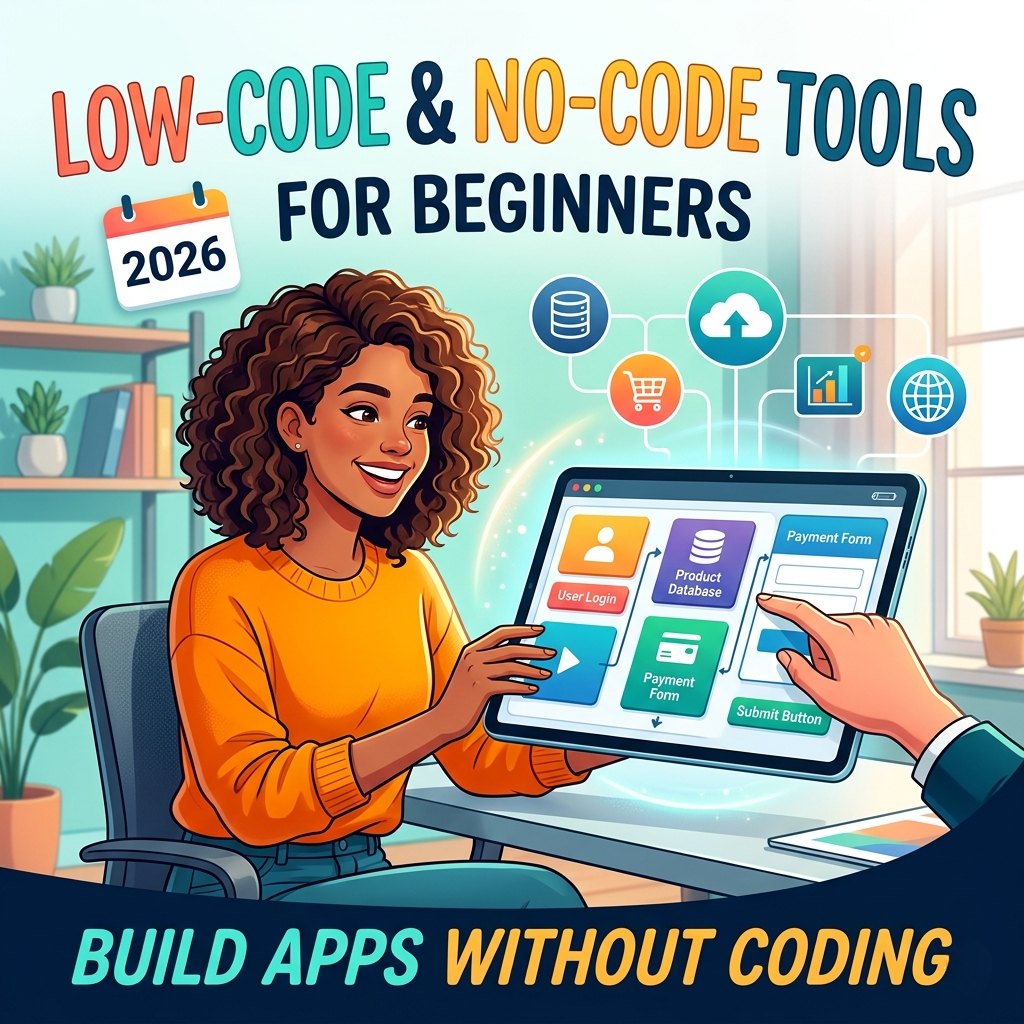
If you have ever had an idea for an app but felt blocked by the need to learn programming, low-code and no-code platforms were built for you. These tools let anyone — students, small-business owners, freelancers, and corporate teams — build apps without coding by using visual drag-and-drop interfaces, ready-made templates, and point-and-click logic builders.
No-code platforms require zero programming knowledge. You build entirely through a visual editor. Low-code platforms speed up development for those with some technical background but still reduce the amount of manual code dramatically. According to Gartner, low-code application platforms are defined by their use of model-driven development tools, generative AI, and pre-built component catalogs — forming a modern rapid application development environment.
Key difference: No-code = zero programming required, ideal for citizen developers. Low-code = minimal coding, ideal for power users and developers who want to move faster.
2. Why These Tools Matter More Than Ever in 2026
The demand for digital products has never been higher, but the global shortage of trained developers has not gone away. No-code and low-code tools bridge that gap by enabling citizen developers — non-technical users who build and deploy their own workplace applications — to participate directly in digital transformation.
Businesses can now cut development time from months to days. Startups can validate product ideas without hiring a full engineering team. Freelancers can offer a wider range of client services. And for beginners, the visual app development approach provides a far gentler learning curve than any traditional programming language.
The growth of AI-assisted features inside these platforms — including auto-generated workflows, smart form builders, and built-in chatbots — makes 2026 the best year yet to explore this space.
3. Top 6 Low-Code & No-Code Tools for Beginners in 2026
Each tool below has been evaluated for ease of use, free tier availability, beginner-friendliness, community support, and suitability for both Pakistani and international users.
1. Bubble — Best overall no-code app builder for web apps Bubble is one of the most powerful no-code app builders available today. It lets you design pixel-perfect web apps using a visual editor, define your own database, and set up complex workflows — all without writing a single line of code. It has a large active community and an extensive library of learning resources. Bubble is ideal for building SaaS products, marketplaces, internal tools, and client portals. Beginners can start from a free plan and explore hundreds of templates to accelerate their first project. Free Tier Available | No-Code | Beginner-Friendly
2. Webflow — Best no-code website builder with CMS Webflow is a no-code website builder that combines visual design, a powerful Content Management System (CMS), and hosting in one platform. It is the top choice for designers, freelancers, and agencies who want professional-grade websites without touching HTML or CSS directly. Webflow’s CMS enables users to build and manage blogs, portfolios, and product listings with fully customisable layouts. It also offers strong SEO features built right in, making it a valuable tool for growing organic traffic. Free Starter Plan | No-Code | Popular in Pakistan
3. Microsoft Power Apps — Best low-code platform for business users Microsoft Power Apps is a feature-rich low-code development platform that connects to hundreds of data sources — including Microsoft 365, SharePoint, Dataverse, and external APIs. It includes an AI Copilot and drag-and-drop functionality to help non-developers build powerful business apps rapidly. Power Apps is especially suitable for teams already using Microsoft tools. It offers a free Developer Plan and a Premium plan at $20 per user per month (paid annually), making it accessible for small businesses and enterprises alike. Free Developer Plan | Low-Code | Enterprise-Ready
4. AppSheet (by Google) — Best no-code tool for Google Workspace users AppSheet is a Google-owned no-code mobile app builder that transforms existing Google Sheets and other spreadsheets into functional mobile applications with minimal effort. It features built-in automation, email triggers, and data update workflows that reduce repetitive tasks significantly. With plans starting as low as $5 per user per month, AppSheet offers one of the lowest entry costs in the no-code space — making it a practical choice for students and small teams in Pakistan and globally. From $5/user/mo | No-Code | Great for Pakistani SMBs
5. Zoho Creator — Best low-code platform for non-developers Zoho Creator is a low-code development platform designed for non-developers and small teams who need to build simple-to-moderately complex business applications. It integrates deeply with the wider Zoho suite (CRM, Books, HR) and supports workflows, custom reports, and multi-platform deployment from a single build. The platform’s drag-and-drop form builder, pre-built templates, and step-by-step guides make it one of the most accessible tools for beginners who want more than basic website building. Free Trial Available | Low-Code | Beginner-Friendly
6. Make (formerly Integromat) — Best no-code workflow automation tool Make is a powerful visual workflow automation platform that connects your apps and services to automate repetitive tasks without any coding. Think of it as a visual flowchart where each step represents an action — from sending emails to updating a database or posting on social media. Make has a generous free plan and integrates with over 1,500 apps including Google Workspace, Slack, Airtable, Shopify, and more. It is widely used by Pakistani freelancers to deliver automation services to international clients on platforms like Fiverr and Upwork. Generous Free Plan | No-Code | Freelancer Favourite – PK
4. Quick Comparison Table
Use this table to quickly match each platform to your goals, technical level, and budget.
Tool
Type
Best For
Free?
Beginner?
PK-Friendly?
Bubble
No-Code
Web apps, SaaS, portals
✔ Yes
✔ Yes
✔ Yes
Webflow
No-Code
Websites, blogs, portfolios
✔ Yes
✔ Yes
✔ Yes
Power Apps
Low-Code
Business automation, MS365
✔ Dev
Moderate
✔ Yes
AppSheet
No-Code
Mobile apps from spreadsheets
✘ Paid
✔ Yes
✔ Yes
Zoho Creator
Low-Code
Business apps, Zoho ecosystem
✔ Trial
✔ Yes
✔ Yes
Make
No-Code
Workflow automation, integrations
✔ Yes
✔ Yes
✔ Yes
5. Opportunities for Pakistani Users & Freelancers
Pakistan has emerged as one of the world’s notable freelancing economies, with skilled professionals serving clients across North America, Europe, and the Gulf. The country’s young, digitally active workforce makes no-code and low-code tools a compelling career entry point.
Students and beginners in cities like Karachi, Lahore, and Islamabad can learn platforms such as Bubble, Webflow, or Make in a matter of weeks and immediately offer marketable services on Fiverr or Upwork. Common service offerings include building client websites on Webflow, creating automated business workflows using Make, and developing internal tools using AppSheet or Power Apps.
Local tip: Several Pakistani institutes and online communities now offer no-code training. Starting with a free tier on Bubble or Webflow and building one sample project is the fastest path to a first client — no investment required beyond an internet connection.
The combination of low setup cost, growing global demand, and accessible free plans makes no-code freelancing one of the most practical digital skills available to beginners in Pakistan today. As these platforms continue to evolve with AI capabilities, early adopters will have a meaningful advantage.
6. How to Choose the Right Platform
With many options available, the right choice depends on your specific goal. Ask yourself these four questions:
What are you building? A website (→ Webflow), a mobile app (→ AppSheet), a web app (→ Bubble), or automated workflows (→ Make)?
What is your technical level? Complete beginner: start no-code. Some logic skills: low-code platforms unlock more power.
What is your budget? Bubble, Webflow, and Make all have free plans suitable for learning and small projects.
Who is your end user? Building for internal business teams favours Power Apps or Zoho Creator. Building for customers favours Bubble or Webflow.
Honest limitation: No-code platforms work excellently for standard use cases. For highly specialised, performance-critical, or deeply customised applications, traditional coding may still be the better long-term choice. Use these tools to validate ideas quickly, then scale with code if needed.
7. Frequently Asked Questions
Q: Can I really build a professional app without coding in 2026? A: Yes. No-code platforms like Bubble and Webflow allow complete beginners to build production-quality web apps and websites. Thousands of active products run entirely on these platforms, serving real users globally.
Q: Which no-code tool is best for absolute beginners? A: Webflow is widely cited as the best starting point for websites and portfolios. Bubble is the top recommendation for functional web applications. Both offer free plans and extensive tutorial libraries.
Q: Are low-code and no-code tools free? A: Most platforms offer a free tier sufficient for learning and small projects. Bubble, Webflow, and Make all have free plans. Paid plans typically unlock custom domains, higher usage limits, and advanced features.
Q: Can Pakistani freelancers earn money using no-code skills? A: Absolutely. No-code development is a growing, in-demand freelance skill. Pakistani professionals use Webflow, Bubble, and Make to offer website design, app development, and workflow automation services to international clients on Fiverr and Upwork — often earning in foreign currency without significant upfront investment.
Q: What is the difference between low-code and no-code? A: No-code platforms require no programming knowledge at all — you build using visual tools alone. Low-code platforms reduce but do not eliminate coding, offering more customisation and flexibility for users who have some technical background or are willing to learn minimal scripting.
8. Final Verdict
The rise of low-code and no-code development tools represents one of the most significant shifts in the technology industry over the past decade. These platforms have genuinely democratised app creation, moving it from the exclusive domain of professional developers into the hands of anyone with an idea and the drive to build.
For 2026, our top picks for beginners are:
Bubble — Best for building fully functional web apps
Webflow — Best for professional websites with CMS
Make — Best for automating workflows and connecting apps
Power Apps — Best for business teams using Microsoft 365
AppSheet — Best for turning spreadsheets into mobile apps
Zoho Creator — Best for non-developers in small-business environments
Whether you are in Karachi exploring a new career skill or in Toronto building your startup’s MVP, the best time to start building with these tools is right now. Pick one platform, follow its getting-started guide, build one small project, and iterate from there.
Action step: Sign up for a free account on Bubble or Webflow today, choose a template, and spend 30 minutes exploring the editor. That single session is often all it takes to understand how accessible modern no-code development has become.
About This Article This article was researched and written by a technology content writer with experience covering SaaS tools, app development platforms, and digital skills for emerging markets. All platform details were verified against official sources and current documentation as of March 2026. No affiliate arrangements influence the platform rankings presented here. This blog is neutral and does not endorse any single platform — all tools listed are evaluated on publicly available, verifiable information